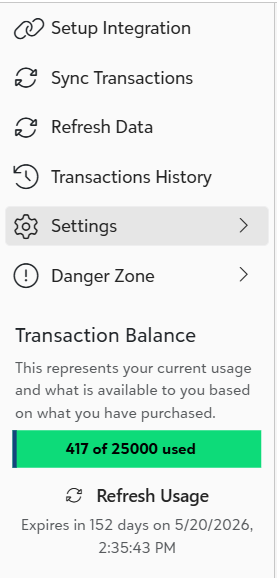
To view your current transaction usage to date, check the Transactions History on the left-hand side of the app. This displays the total number of transactions you’ve used so far.
You can refresh the display if needed to see the most up-to-date balance by clicking on the 'Refresh Data' link.
If you feel you are running low on transactions, you can easily add additional transaction credits by contacting us. Click Here
Was this article helpful?
That’s Great!
Thank you for your feedback
Sorry! We couldn't be helpful
Thank you for your feedback
Feedback sent
We appreciate your effort and will try to fix the article